
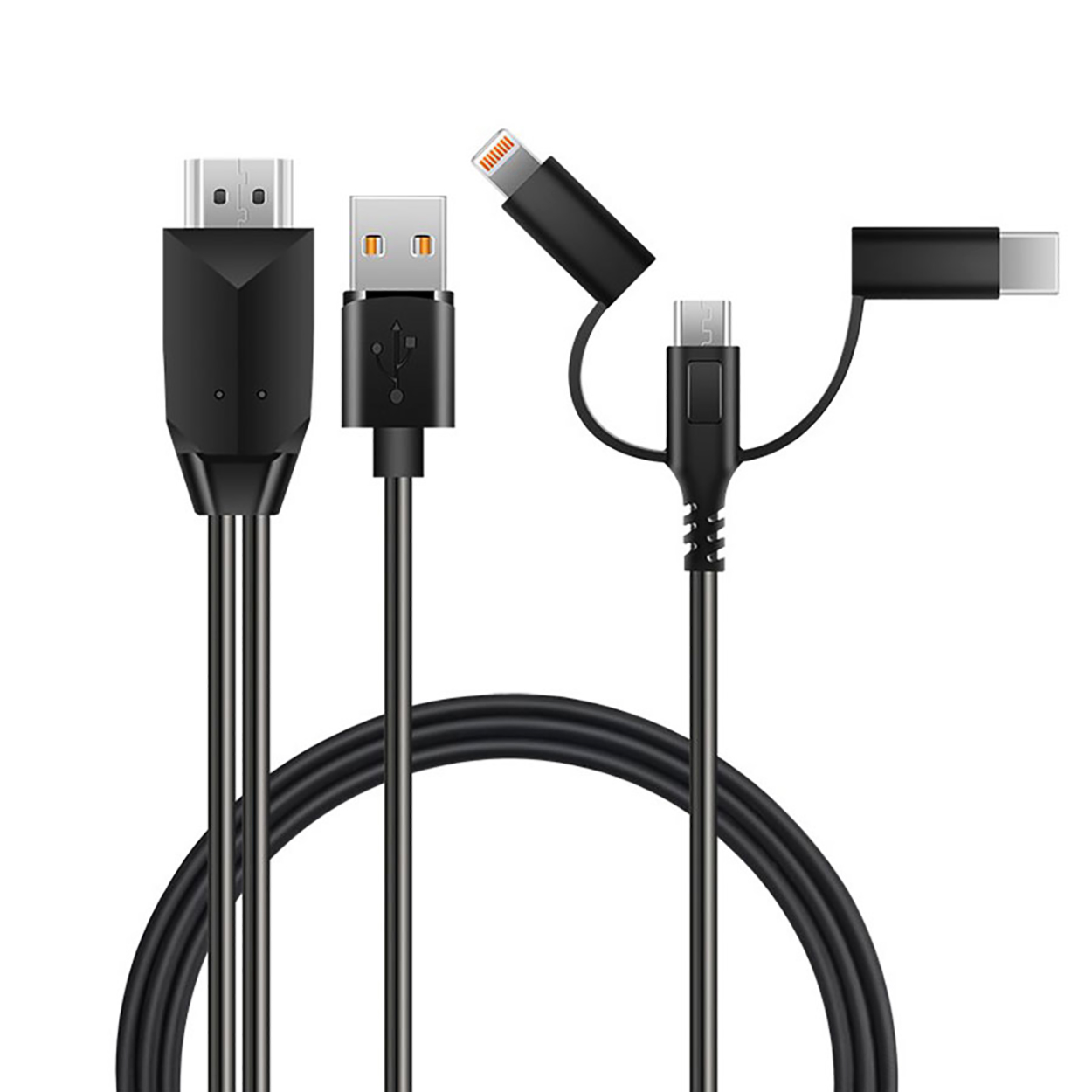
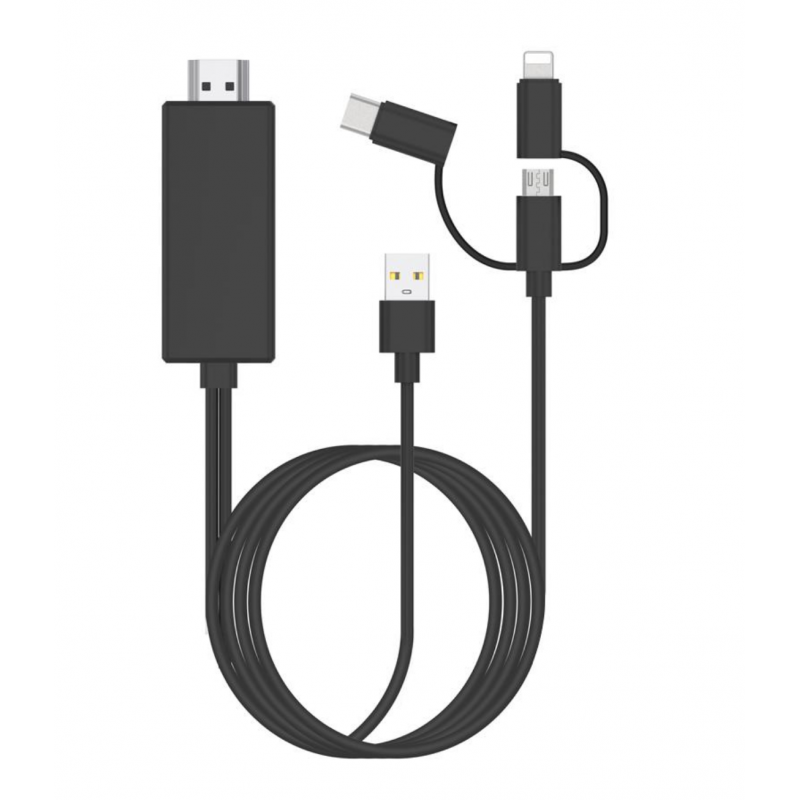
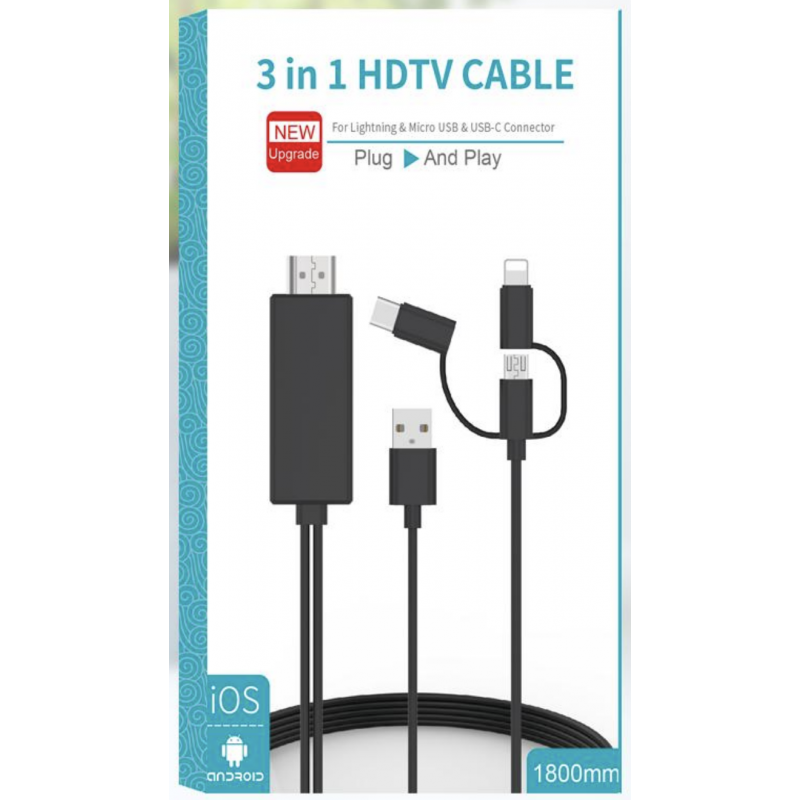
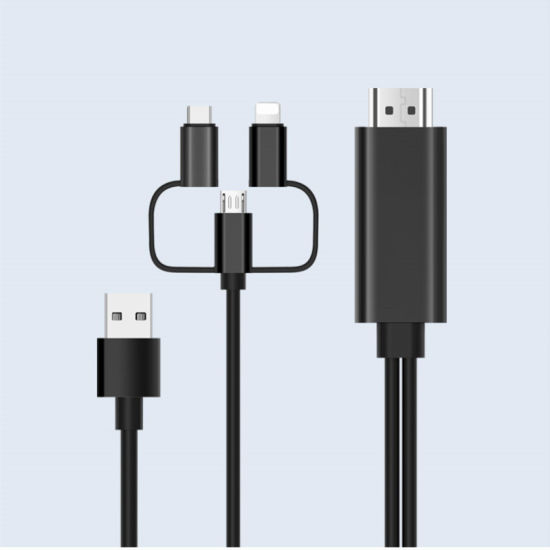

3 in 1 Lighting Type-C Micro USB to HDMI Cable Smartphone Screen to 1080P HDTV
Out of stock
Features:
1. For Android & iOS devices:
Connect the phone and click “trust” can be used directly; For Android devices: Connect the phone, and then turn on “USB debugging” to make it work.
2. 1080P HD Display:
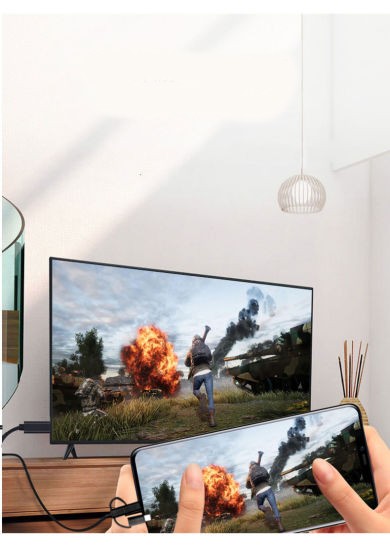
The HDMI cable supports screen mirroring from FaceTime, Skype, WhatsApp, Hulu; supports streaming movies, pictures, games, and slideshows to big screens in up to Full 1080P HD
3. Easy to use:
You don’t have to fiddle around with settings, WiFi or Personal Hotspot to make it work
4. Broad Compatibility:
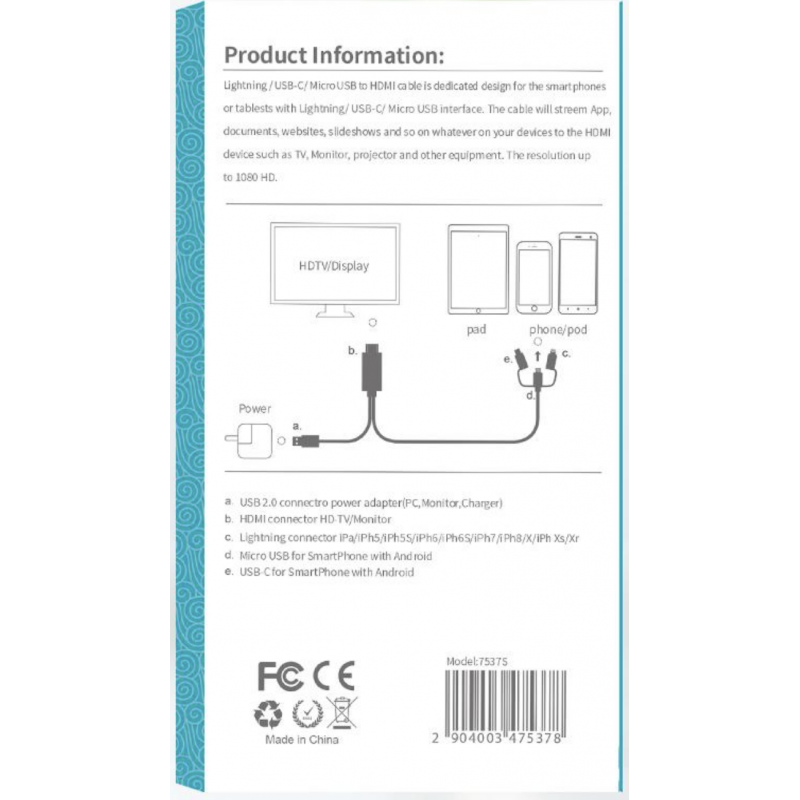
3 in 1 phone to HDMI cable works with all devices with lightning ports, Micro USB ports, and Type-C ports. Compatible with IOS 12.0 above and Android 6.0 above Devices.
5. 3 in 1 Phone to HDMI Cable:
Mirror the Screen of Your iPhone iPad and Android Smartphones onto a Bigger Screen
KShs1,499 KShs1,649
Out of stock
How to use:
1. Connect HDMI end to TV/Projector/Monitor’s HDMI port, and connect lightning/micro USB/type C port to your phone
2. Connect an external 5V/1A(iPad needs 5V/2A) adapter with a USB end to power up this cable, note that the power bank is not enough to make it work
3. For IOS: connect the phone and click”Trust” can be used directly; For android devices: please turn on USB debugging first
4. Click the “SOURCE” key on your remote control, then choose “HDMI” signal source
5. Waiting for 15s, phone can be mirrored to TV/projector/monitor
Based on 0 reviews
Be the first to review “3 in 1 Lighting Type-C Micro USB to HDMI Cable Smartphone Screen to 1080P HDTV”
Related products
-
Accessories, Computers & Accessories
Aluminum Laptop Stand Notebook Stand Computer Stand Foldable Aluminium Alloy Laptop Holder
-25% Accessories, Computers & Accessories
Aluminum Laptop Stand Notebook Stand Computer Stand Foldable Aluminium Alloy Laptop Holder
FEATURES:
- 7 Adjustable Heights: Ergonomic design reduces neck, back, and eye strain for comfortable use.
- Wide Compatibility: Fits laptops (10-15.6 inches), phones, tablets, Kindles, and books (6-12.9 inches).
- Foldable & Lightweight: Weighs only 0.6 lbs, includes a storage bag for easy portability at home, office, or travel.
- Sturdy & Protective: Holds up to 11 lbs (5kg) with anti-skid silicone pads to prevent scratches and slipping.
- Enhanced Cooling: Aluminum alloy material and open design improve airflow to prevent overheating.
- Compact & Portable: Folds to 9.52” x 2” x 0.9”, weighs 0.8 lbs, and comes with a durable sleeve bag for travel convenience.
SKU: n/a -
Accessories, Home & Living
3ml Essential Oils 12pc Set Aromatherapy Diffuser Oils Mini Essential Oil Set
-33%Accessories, Home & Living3ml Essential Oils 12pc Set Aromatherapy Diffuser Oils Mini Essential Oil Set
FEATURES:
- Improves Sleep Quality: Aromatherapy essential oils with sweet, refreshing scents and rich extracts to enhance relaxation and sleep.
- Stress Relief & Relaxation: Delightful fragrance reduces stress, anxiety, and promotes focus, optimism, and energy.
- Versatile Use: Removes odors and purifies air in bedrooms, living rooms, offices, cars, yoga rooms, and more. Ideal for home, travel, or on-the-go use.
- Multiple Applications: Perfect for aromatherapy, massage oils, vaporizer diffusion, and creating a calming atmosphere. Helps with deep breathing, anxiety relief, and mood enhancement.
SKU: n/a -
Accessories, Health,Beauty & Fitness
Electronic Suffocated Oil Cap Electric Steaming Cap For Hair Steamer Thermal Treatment Beauty Steamer SPA Cap Hair Care Nourishing stalls baking oil cap steaming hot hat hair salon heating membrane electric cap
-33%Accessories, Health,Beauty & FitnessElectronic Suffocated Oil Cap Electric Steaming Cap For Hair Steamer Thermal Treatment Beauty Steamer SPA Cap Hair Care Nourishing stalls baking oil cap steaming hot hat hair salon heating membrane electric cap
HIGHLIGHTS:
-Use the Electronic oil cap to nourish and smoothen the hair and take advantage of an oil bath.
-Easy to use, wash and leave hair smooth as silk and can be used at home or salon.
-Turned it on for 10 minutes before use and then placed it on the hair for 10 minutes.
-This hair care spa cap is safe and convenient to use.
-It is an indispensable tool for nursing your hair at home.
-It is a flame-retardant electronic temperature control heating cap.
-The inner embedded plastic film is waterproof and anti-electricity, and it is detachable and convenient to be washed.
-Two levels of temperature control, you can adjust the switch to your favorite temperature.SKU: n/a
There are no reviews yet.